Webby Loyalty
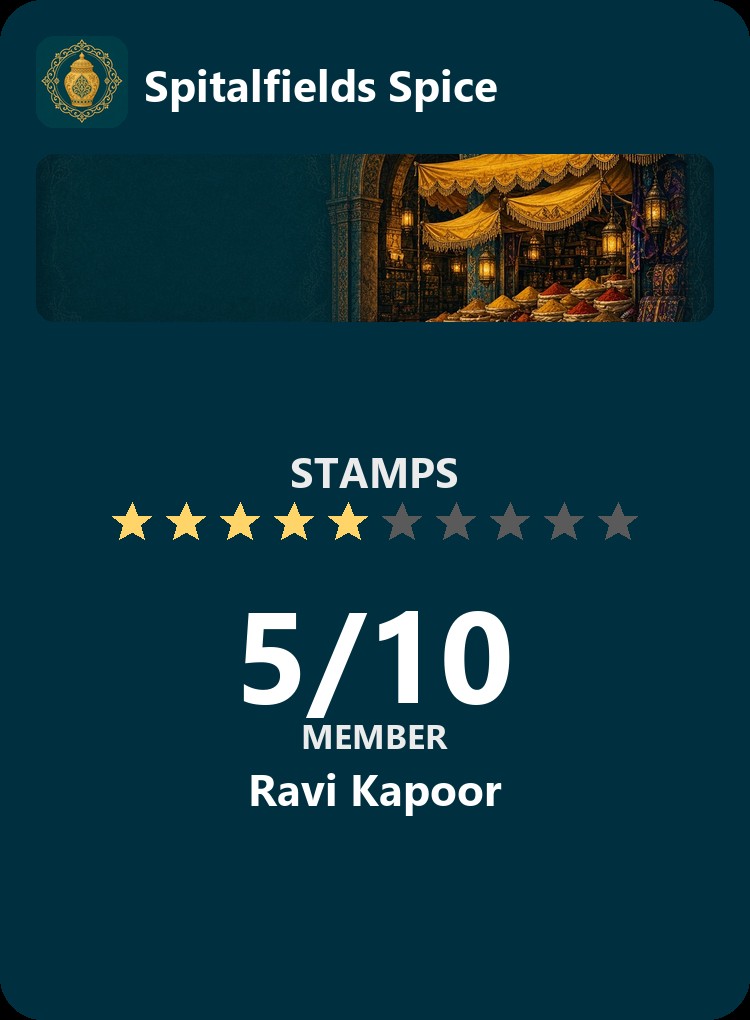
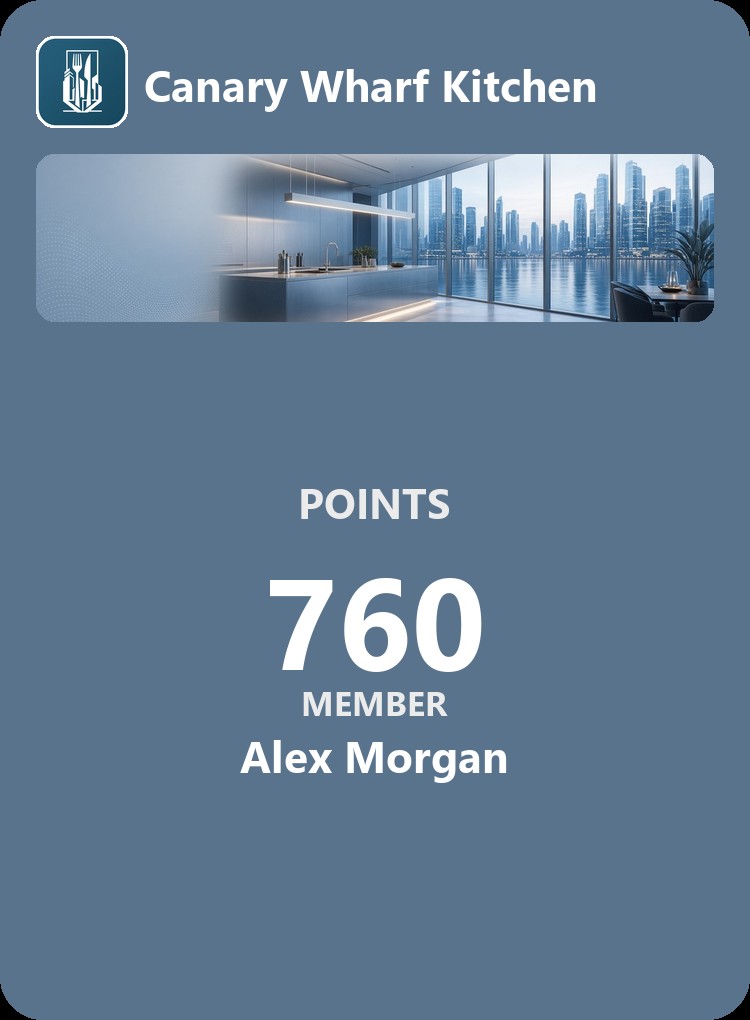
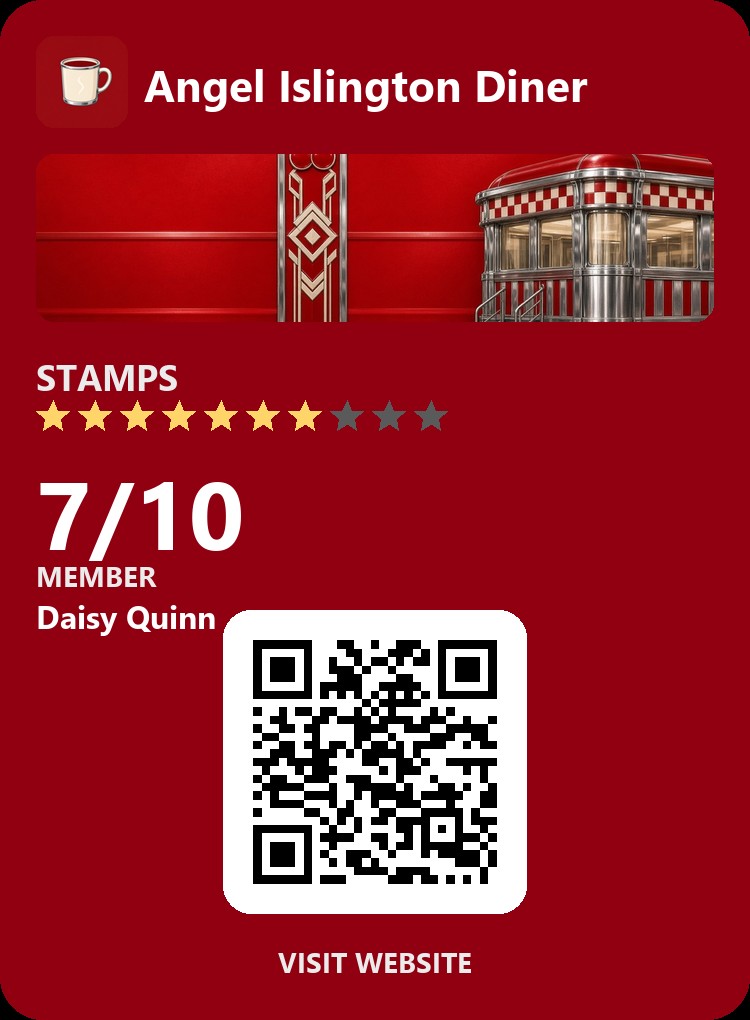
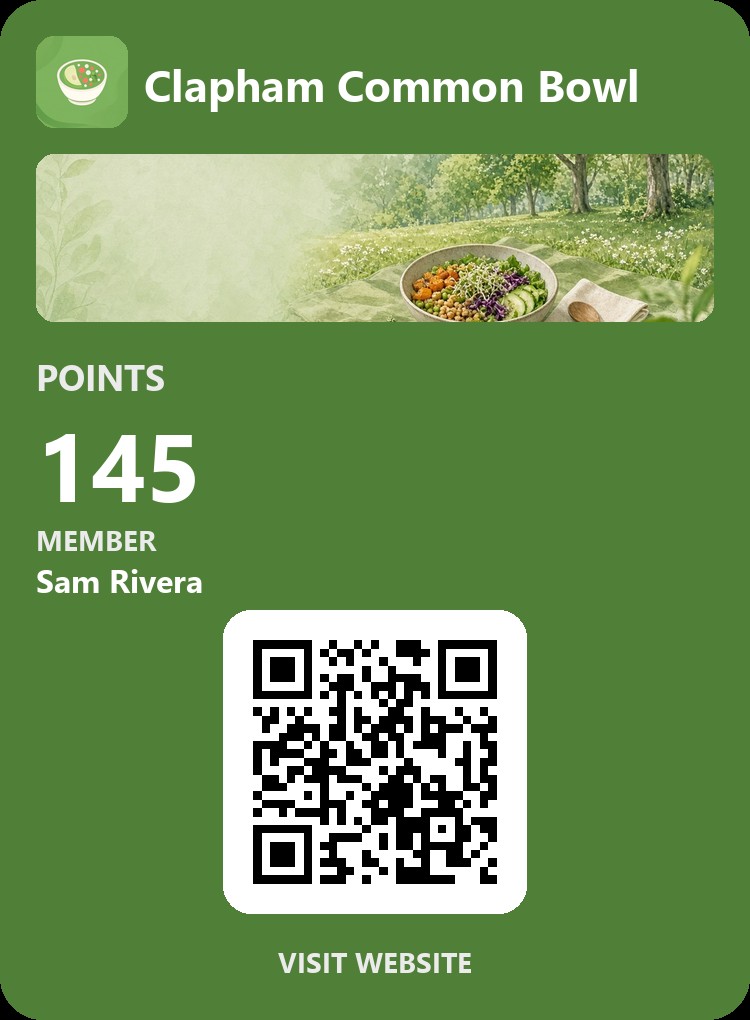
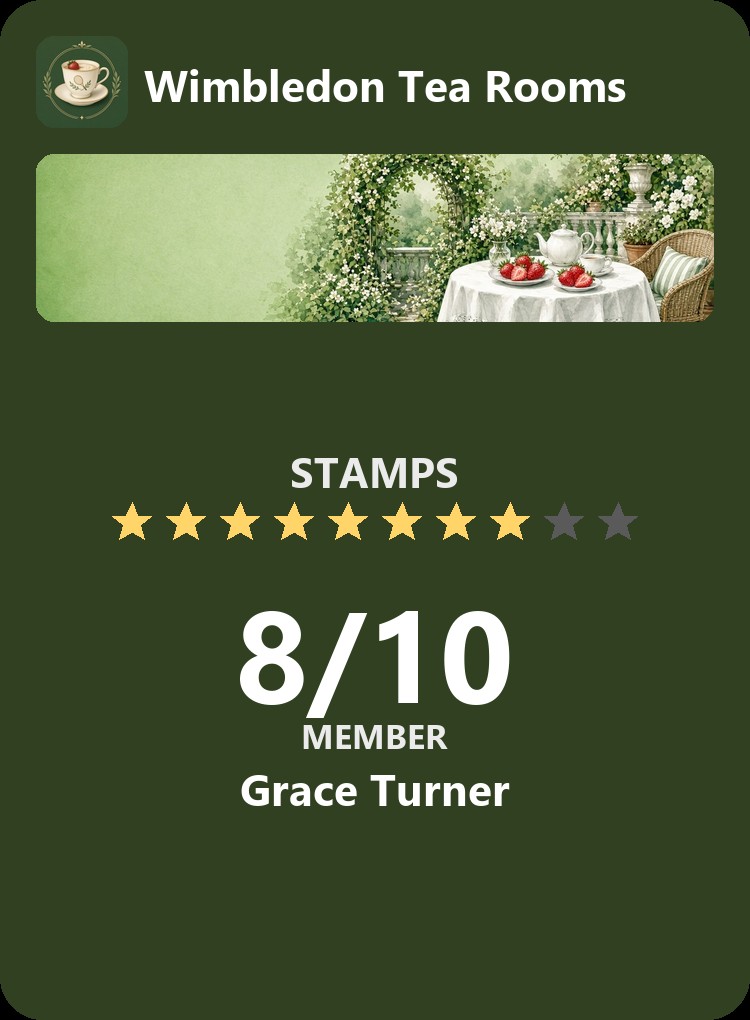
Custom Designed digital loyalty cards for kitchens


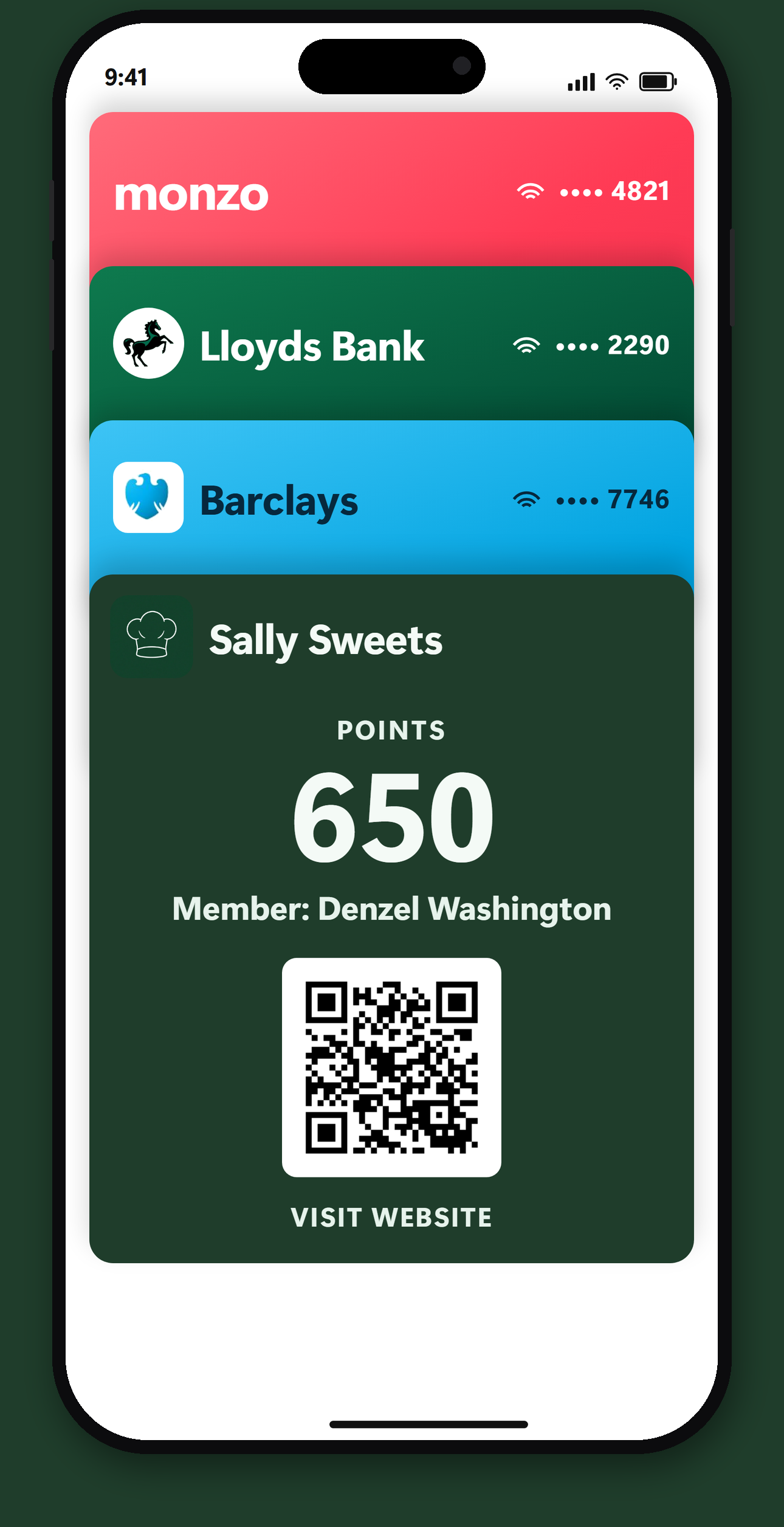
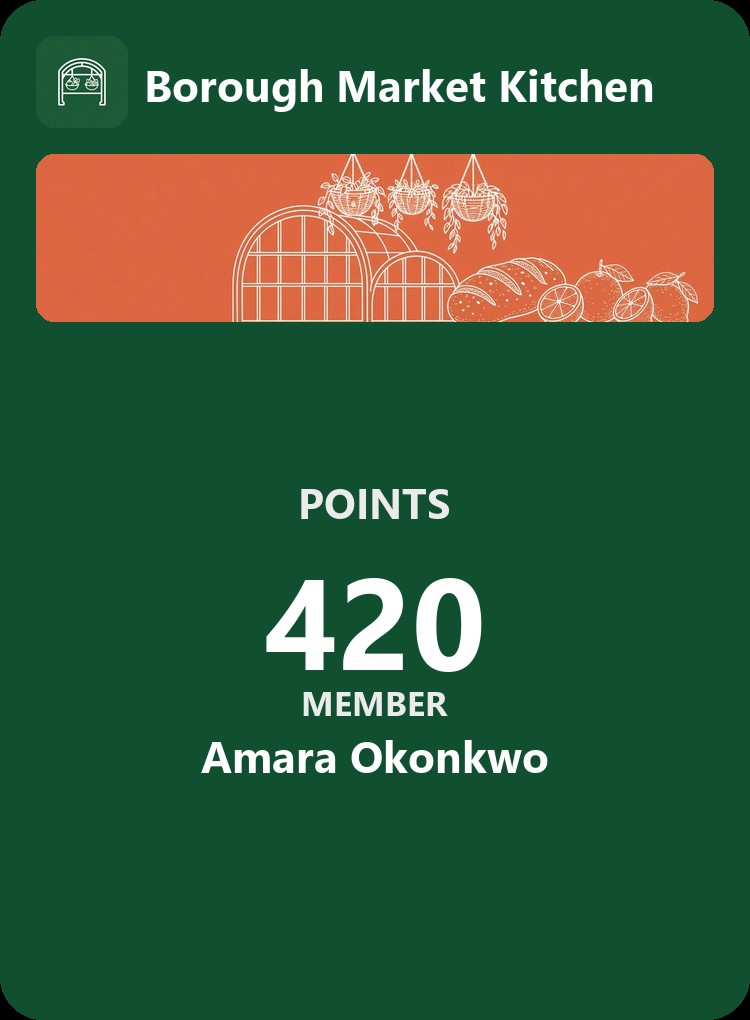
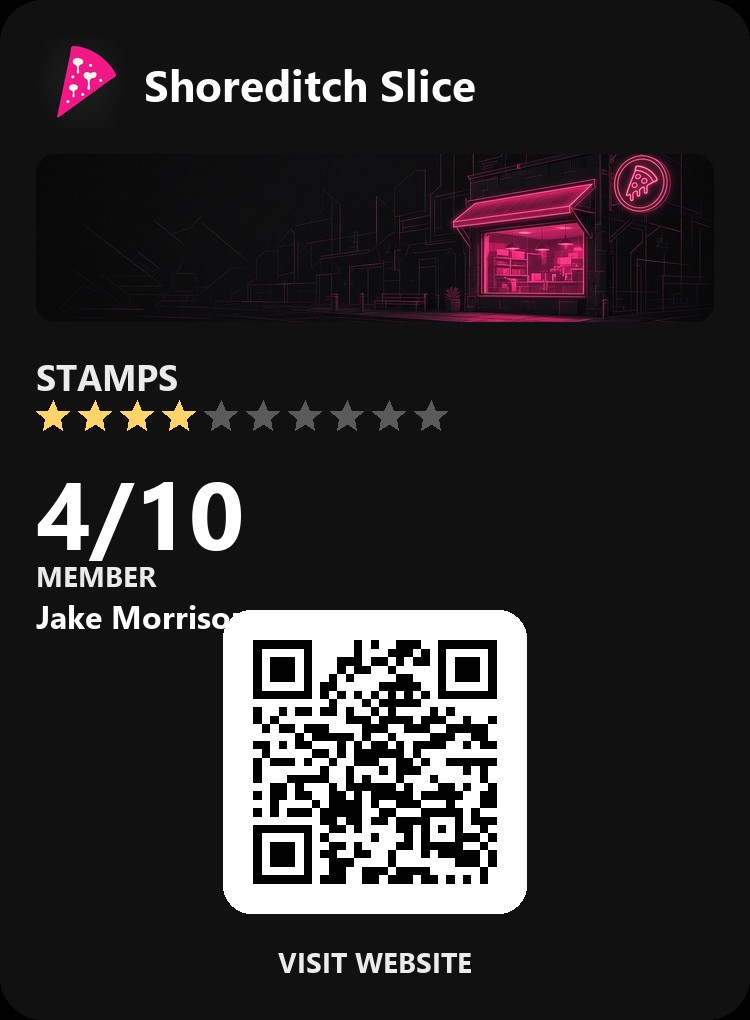
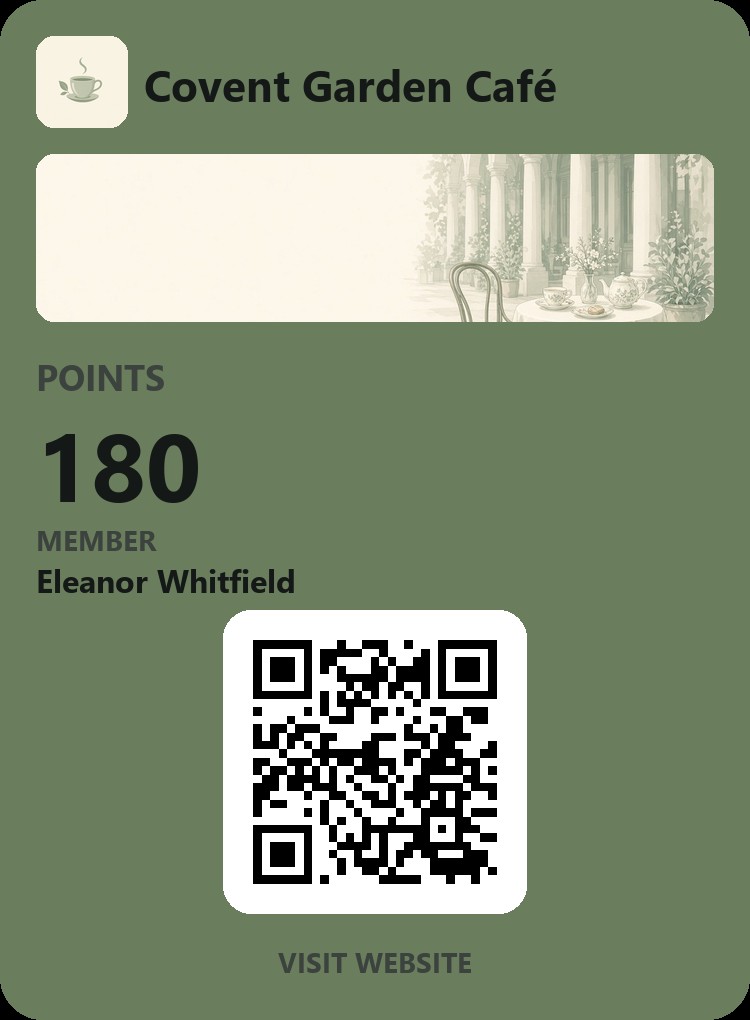
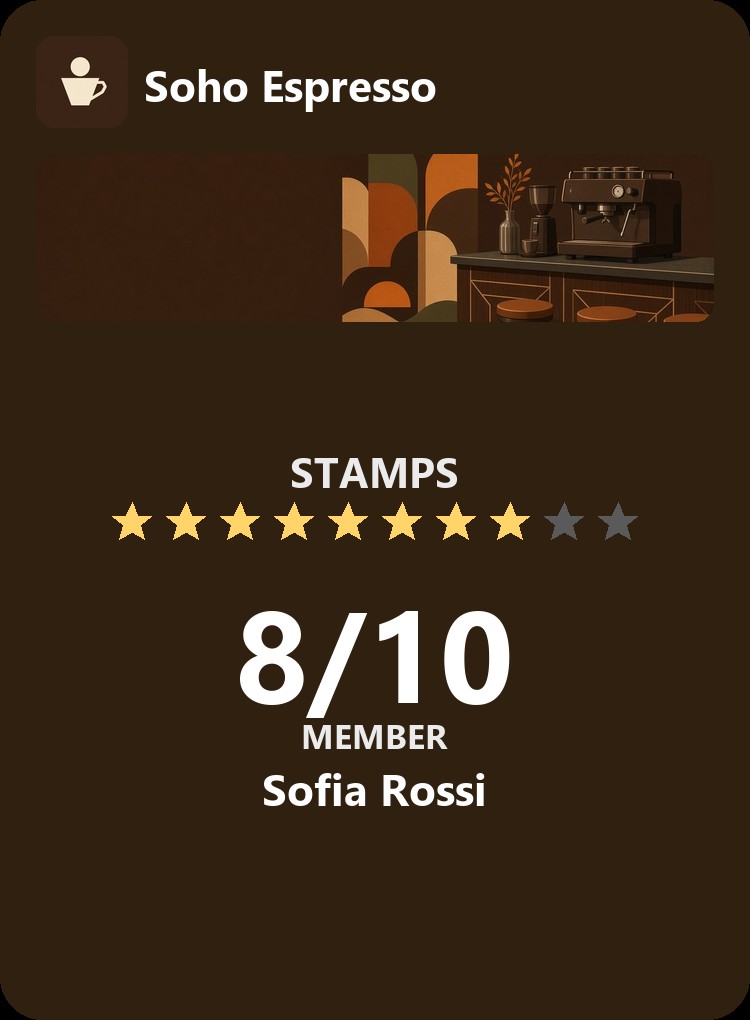
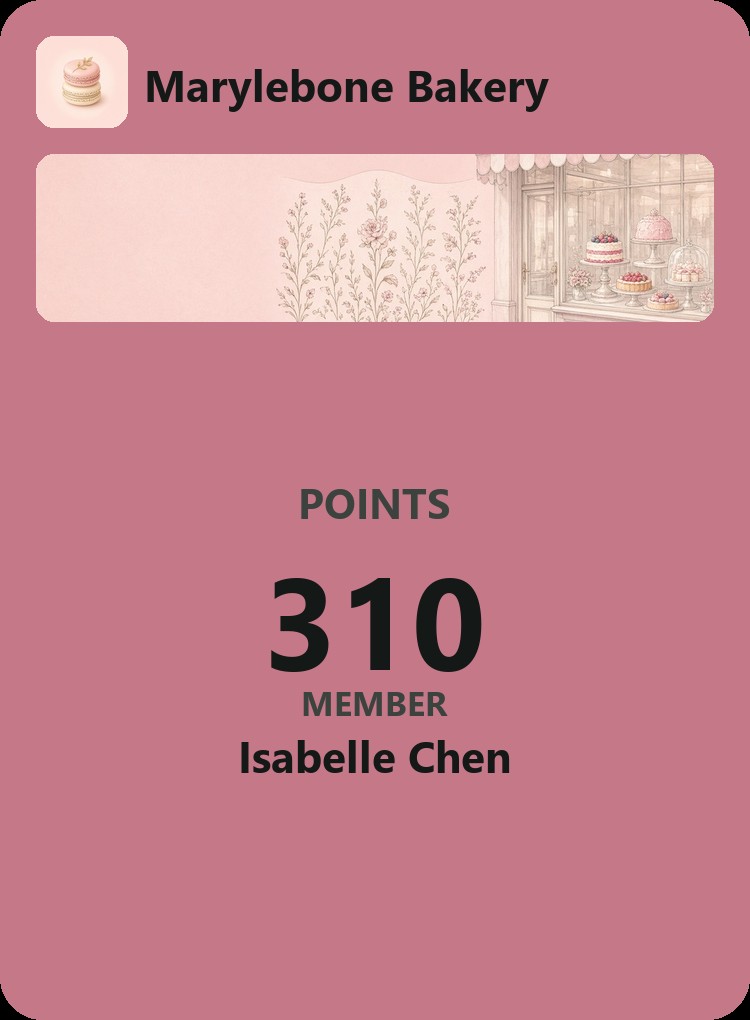
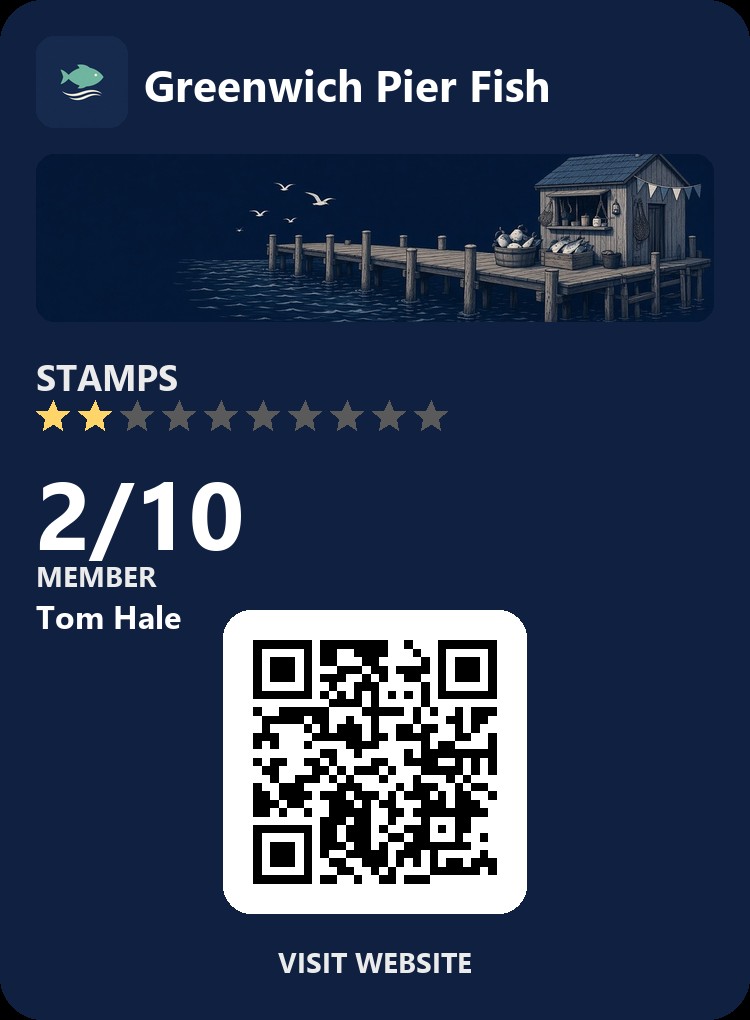
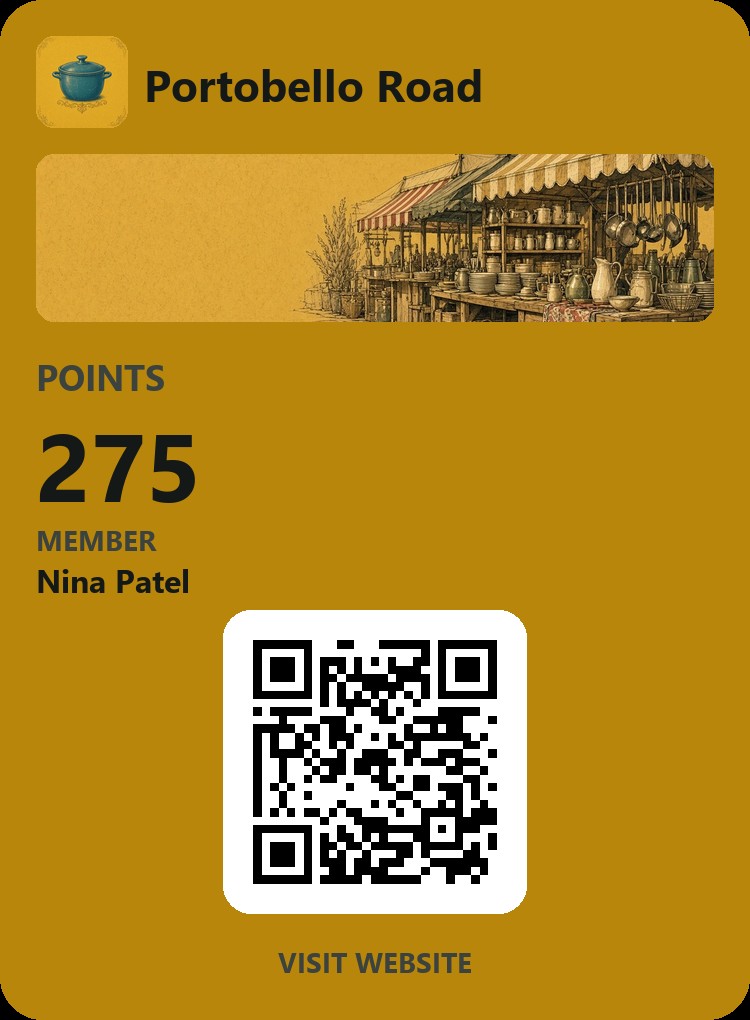
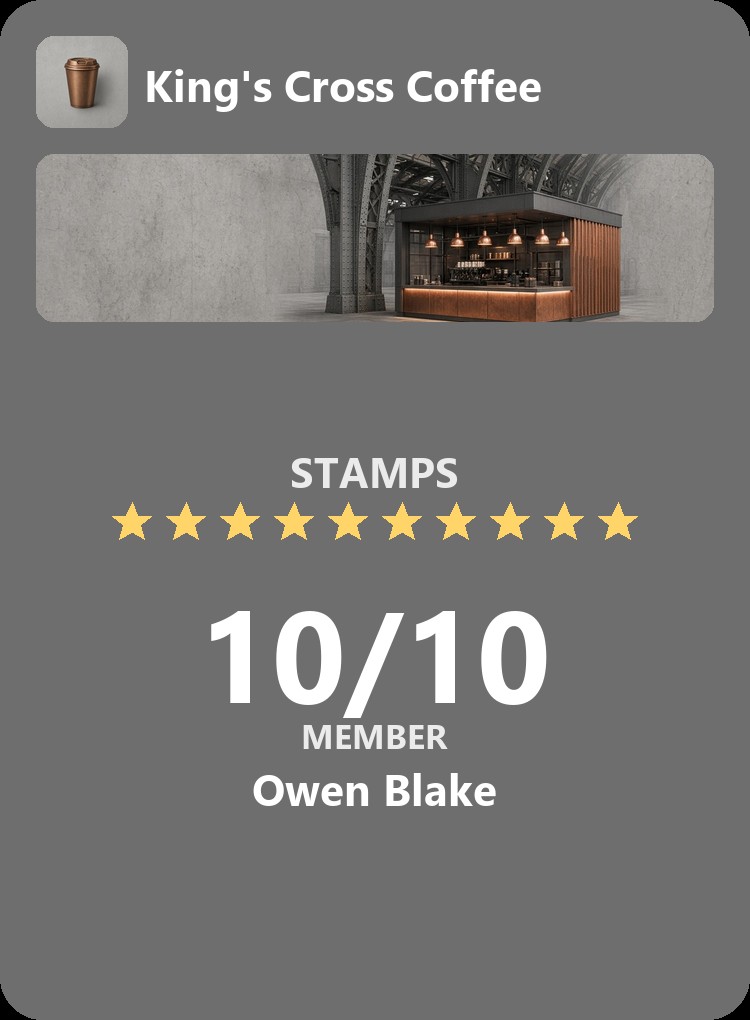
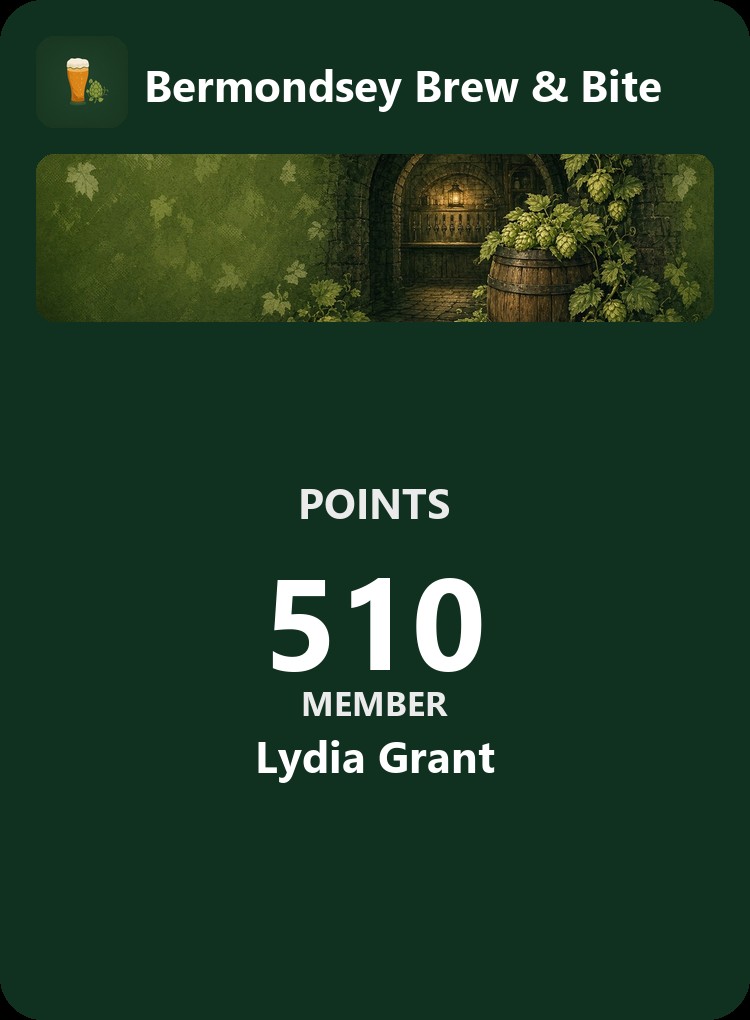
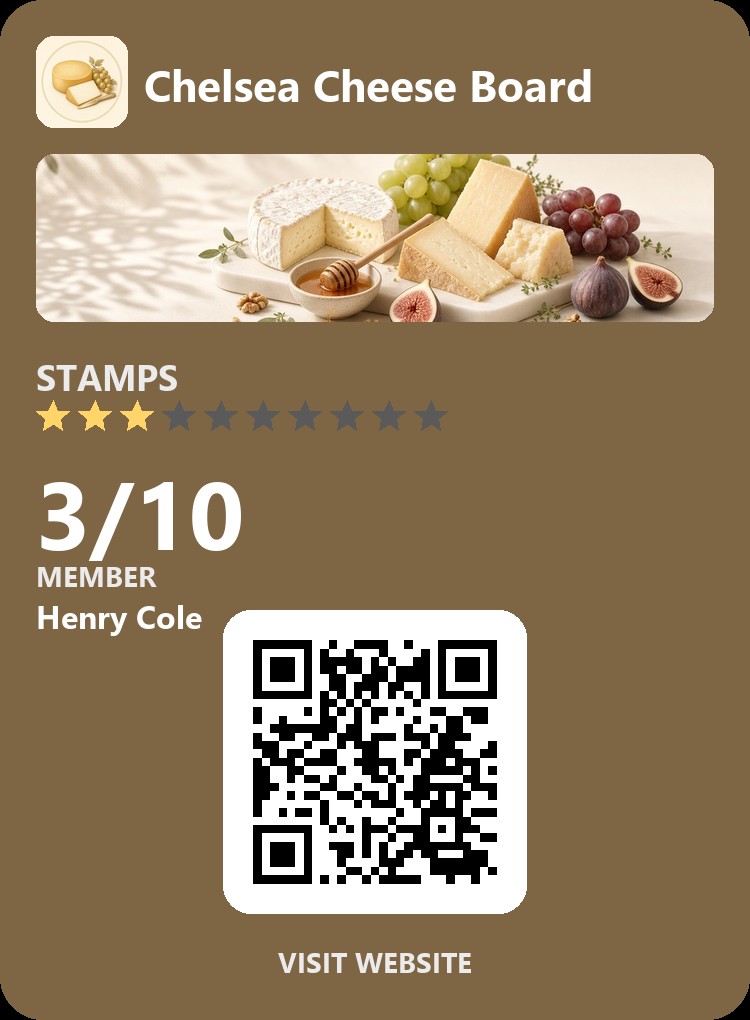
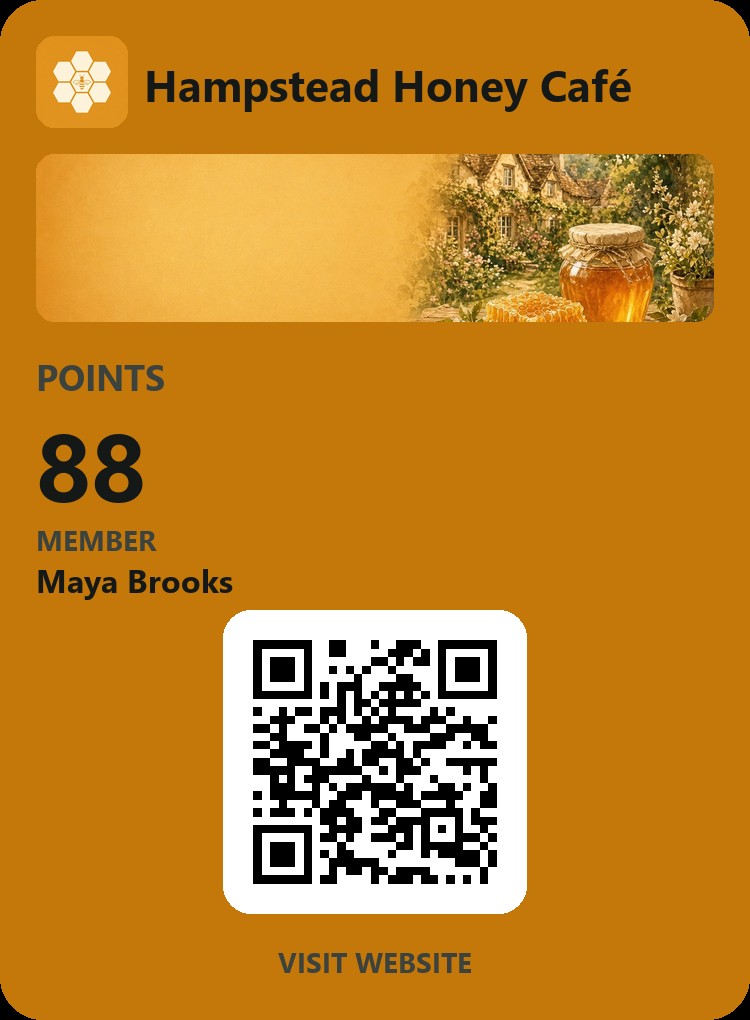
Did You Know...
- 67% of UK restaurants already use loyalty cards. 81% of customers would join if asked.
- 90% of people in the UK already have at least one loyalty card.
- Café customers with a card visit 3.2 times a month vs 1.7 times without a card, and spend 20% to 32% more a year.
Verified by Amex Rewards Report 2026

How It Works
-
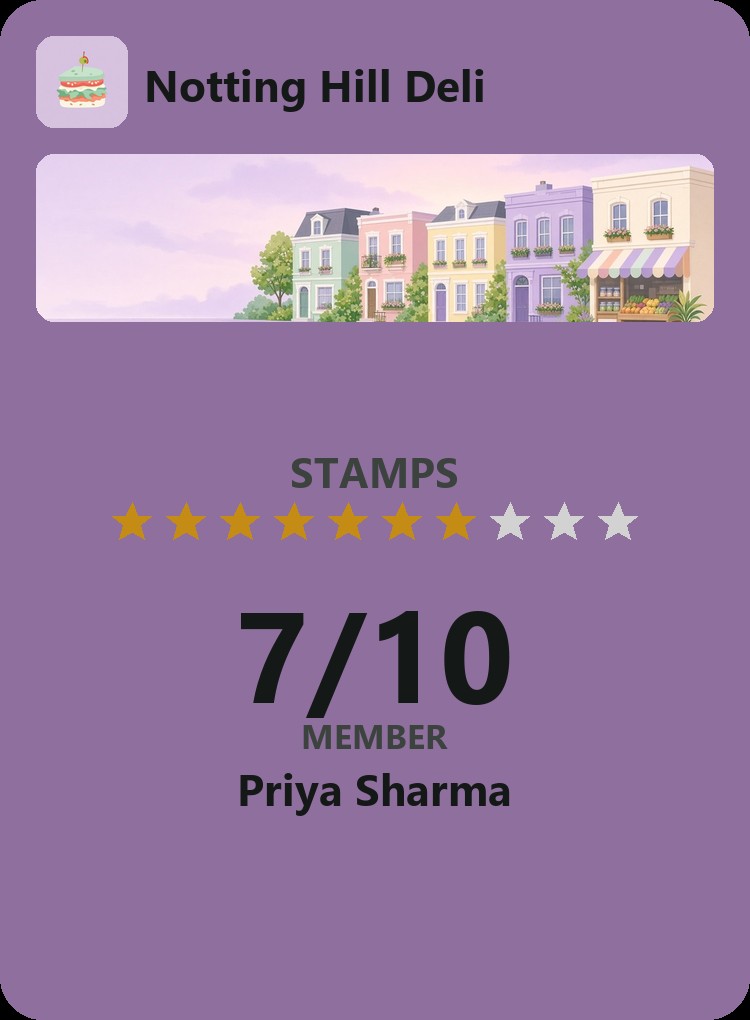
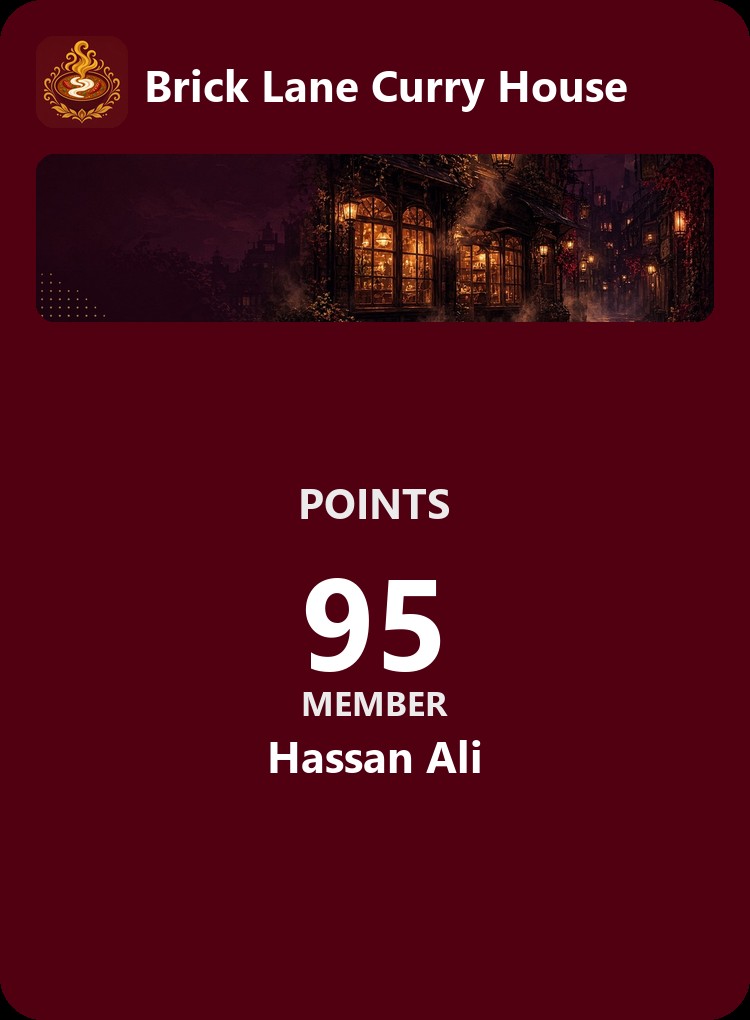
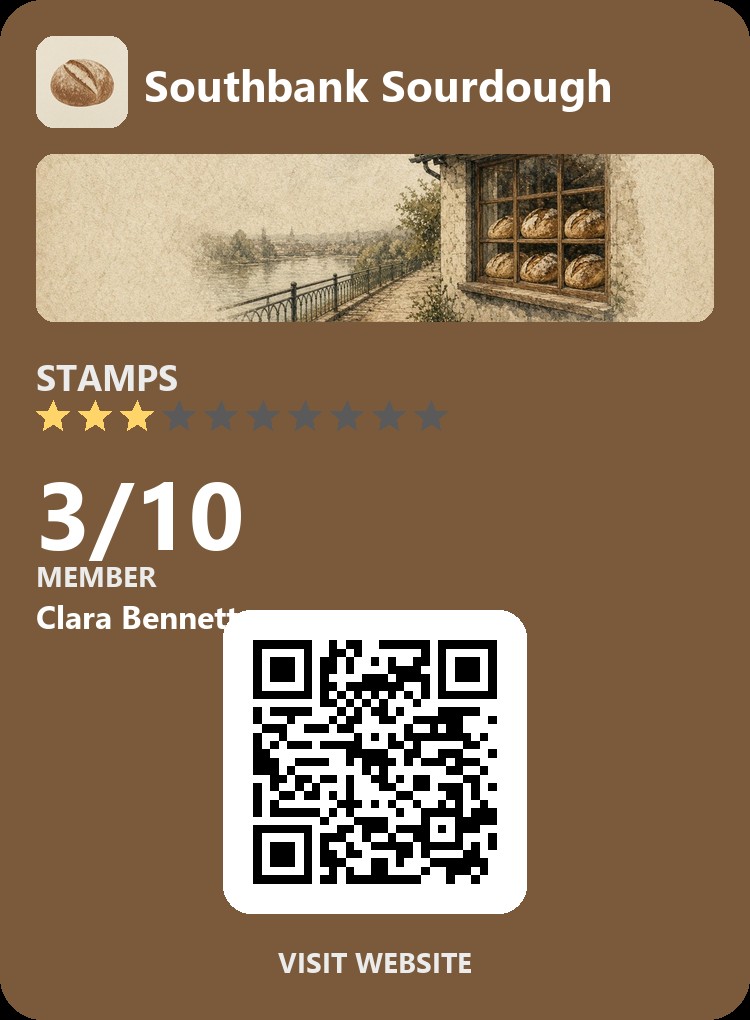
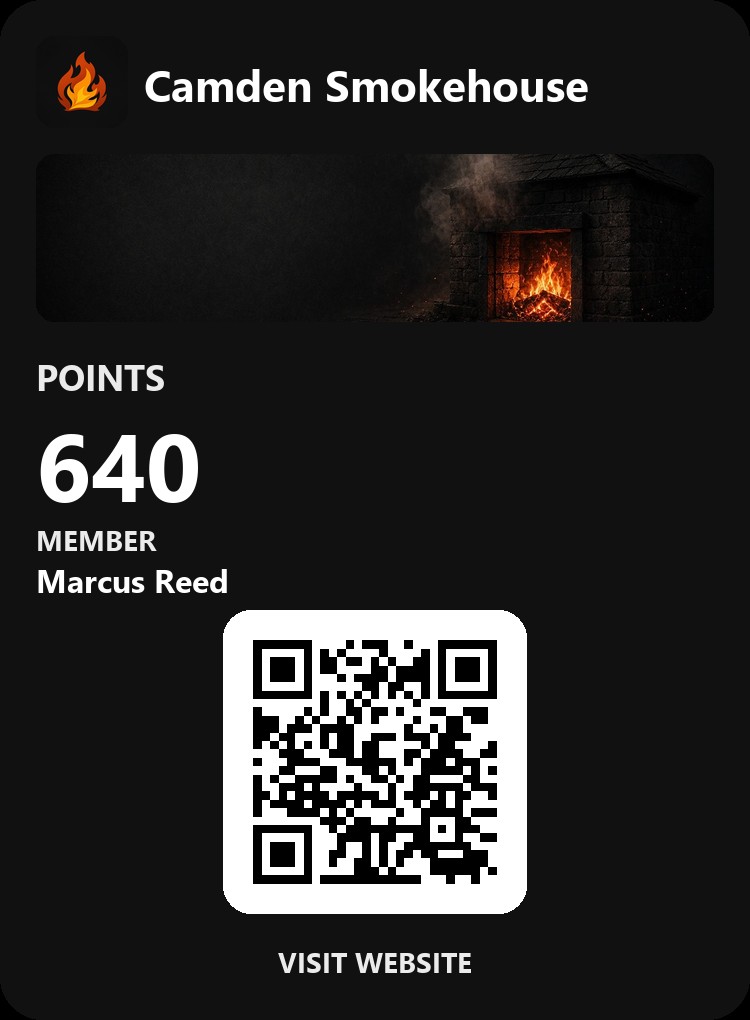
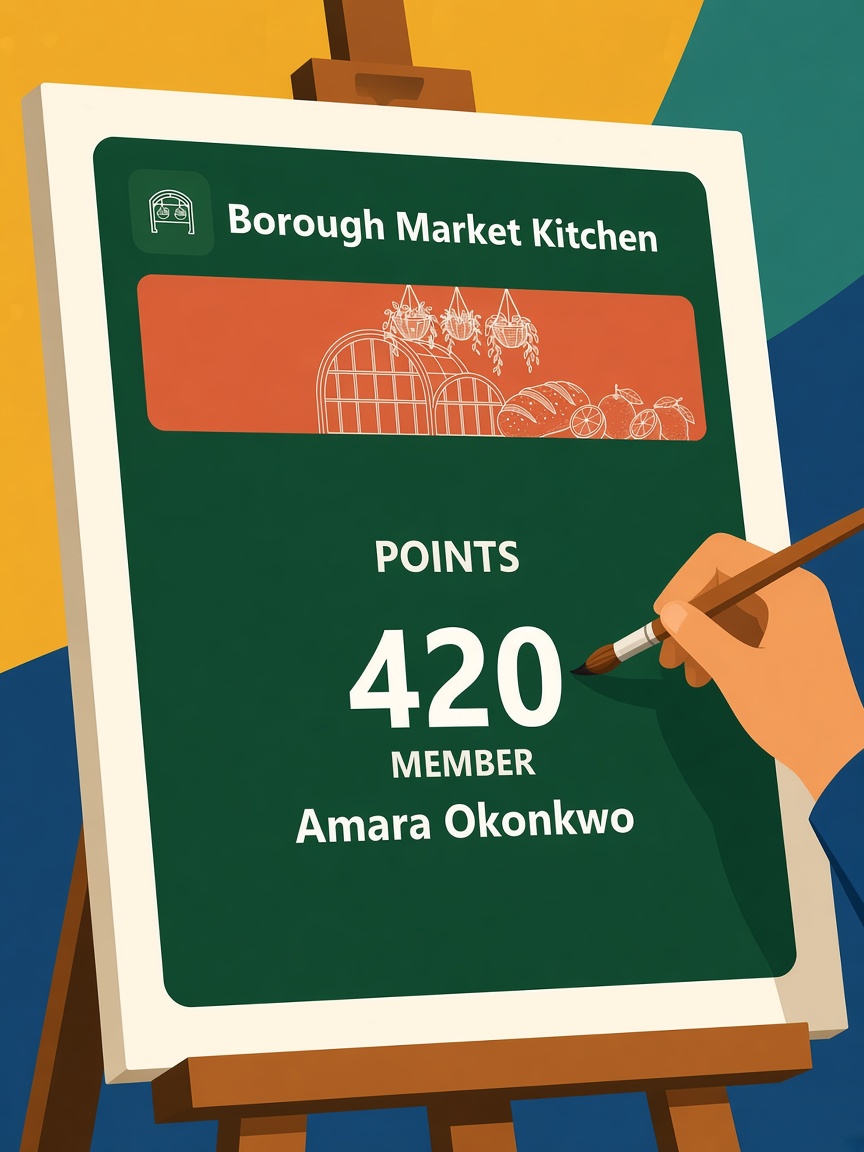
Design We design your custom loyalty card
-
Control Download our easy to use app to give points and redeem points

-
Notifications Points and offers you send show up on customers lock screen
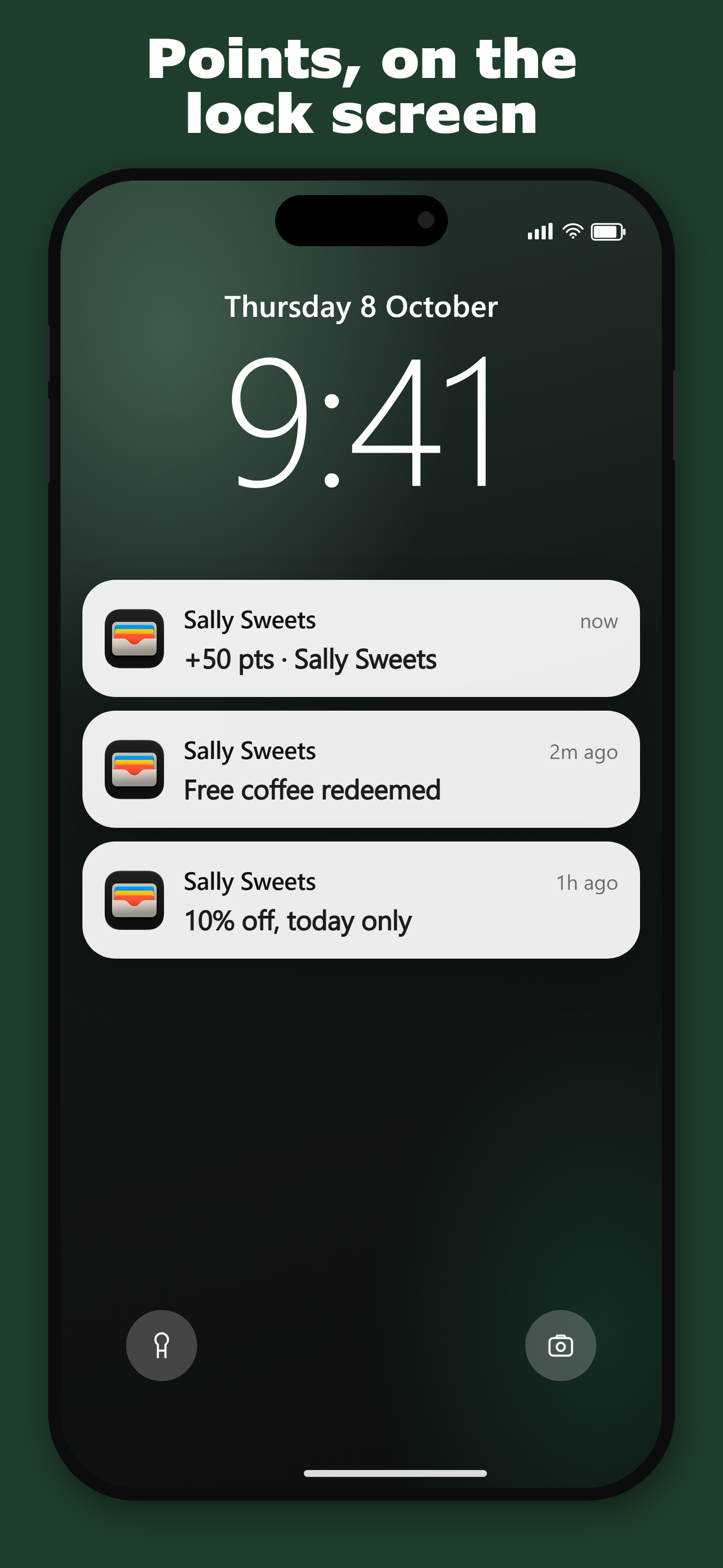
Goodbye to slow rainy days. Bring customers to your store with the push of a button.
Data Never Lies
-
60–80%
How Many Customers Join
90% keep for at least 1yr
-
70–90%
How Many Customers Open Notifications
-
~100%
How Reliable Is The System
-
50–70%
How Many Still Using After 3 Months
of total
Stats Verified By






Contact Us
Ready to build and track loyal customers? Contact us below and we will get you ready and online within 24 hours.
FAQ
What is Webby Loyalty?
A simple loyalty tool for kitchens. You log orders on your device; customers get a digital loyalty card in Apple or Google Wallet. It is not a till or full POS.
Pricing?
Contact us for pricing details —
help@madebywebby.com
WhatsApp
+44 7503 913325
Do my customers need to download an app?
No. They open a join link, get their card, and add it to Apple Wallet or Google Wallet. Only you and your staff use the Webby app.
How do I get set up?
Contact us to get started —
help@madebywebby.com
WhatsApp
+44 7503 913325
We aim to get you ready within 24 hours.
How does a customer get a loyalty card?
Customers get a loyalty card from scanning your QR code, visiting your website, or via a WhatsApp message you can automatically send from the app.
How do points or stamps work?
You choose points or a punch card. When you log an order, their balance updates. When they hit a reward, you redeem it in the app.
What shows on their lock screen?
When points or stamps change, their wallet card can update so they see the new balance and offers without opening anything else.
Can my staff use it too?
Yes. Owners invite staff by email. Staff can log orders and look after customers; owners also get overview and staff management.
Is there a menu website?
Yes. It will display your menu and rewards.
What if the wallet card looks wrong or does not update?
Ask the customer to open the card link again, or remove and re-add the Apple Wallet or Google Wallet pass after branding changes. They never lose their points/stamps. If it still looks wrong, contact us.